
One Tap.
Any Game.
Launch games by tapping NFC cards.
Works with MiSTer, Batocera, Windows, SteamOS, Linux and more.
Best Sellers
-

 Sold out
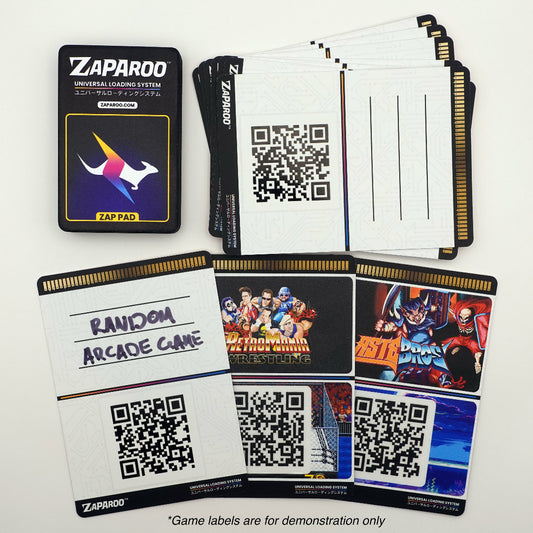
Trading Card Starter Kit
Regular price From $166.00 AUDRegular priceUnit price per$195.00 AUDSale price From $166.00 AUDSold out -
Rainbow Starter Kit
Regular price From $154.00 AUDRegular priceUnit price per$180.00 AUDSale price From $154.00 AUD -

 Sold out
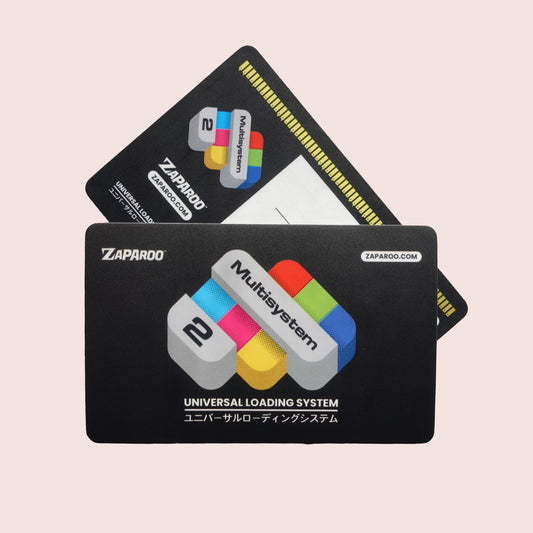
Multisystem² NFC Kit
Regular price From $154.00 AUDRegular priceUnit price per$180.00 AUDSale price From $154.00 AUDSold out




New Releases
-
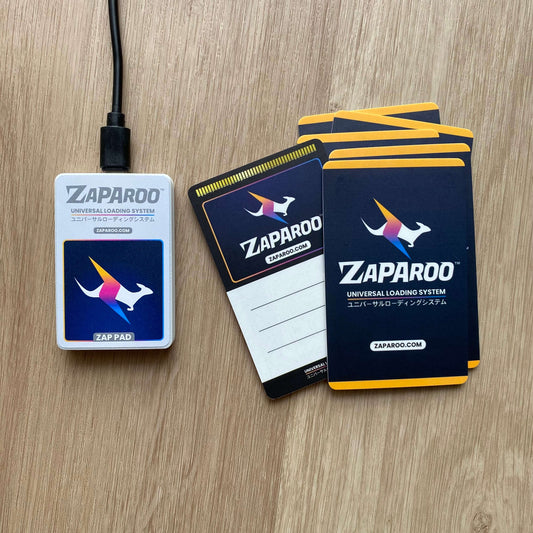
Watermelon Card Booster
Regular price $51.00 AUDRegular priceUnit price per -
Atomic Card Booster
Regular price $51.00 AUDRegular priceUnit price per -
Reboot Games - Demo Card Booster Vol. 1
Regular price $58.00 AUDRegular priceUnit price per



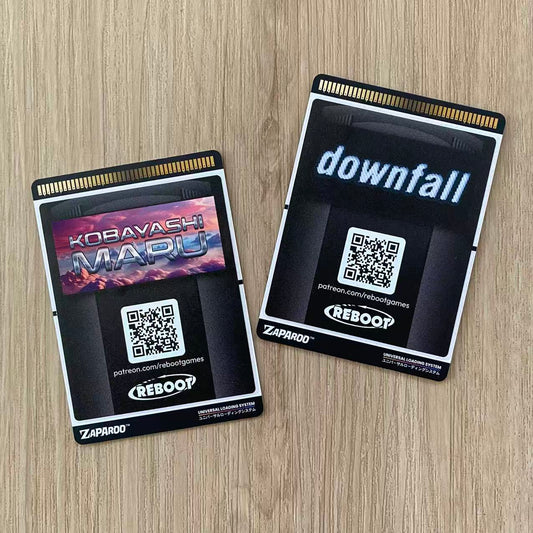
Shop by Category
-

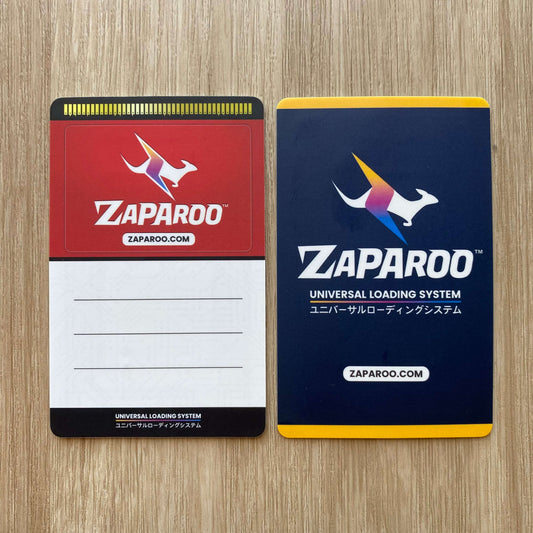
Starter Kits
Complete bundles with a reader and 20 cards to get you playing...


How It Works
Install Zaparoo
Free software for your existing game setup. No hardware mods.
Link a Card
Choose a game, tap a card, and save it in the Zaparoo app.
Tap & Play
Tap the card on your reader and the game launches.
Good to Know
Quick answers before you start shopping.
Do the cards include games?
No. Cards do not contain games. They are physical shortcuts for games you already have set up with Zaparoo.
Will this work with my setup?
What do I need to get started?
You need the free Zaparoo software, a supported setup, an NFC reader, and NFC cards. If you need both cards and a reader, starter kits are the easiest first purchase.
Can I use my own cards or reader?
When will my order arrive?
Orders ship from Perth, Australia, so international delivery can take a couple of weeks depending on your location. We ship international orders daily.
🦘 Ships from Australia
Please allow a couple weeks delivery on your order depending on your location. See Shipping policy for details.
❤️ Supporting Open Source
Your purchase goes directly towards development of Zaparoo open source software. Thanks for your support!
♻️ Eco-Friendly Packaging
Feel good when you're chucking stuff out! All shipping and packing materials are biodegradable and home compostable.